How a Little Envelope party comes together
Here's exactly what you'll see, start to finish. No app for you, no app for your guests.
 MAYA'S5TH BIRTHDAY!SATURDAY 13 MARCH2PM – 4PMJUMPERS SOFT PLAYRSVP TO JO
You're invited to Maya's 5th birthday
Sat 14 March · 2–4pmDrop-off welcome · pick up at 4pmYes, Isla is comingCan't make itAbout 10 minutes
From blank page to invites in the group chat.
No app for anyone
Guests tap a link. That’s it.
Free for up to 8 guests
Upgrade only if you want the extras.
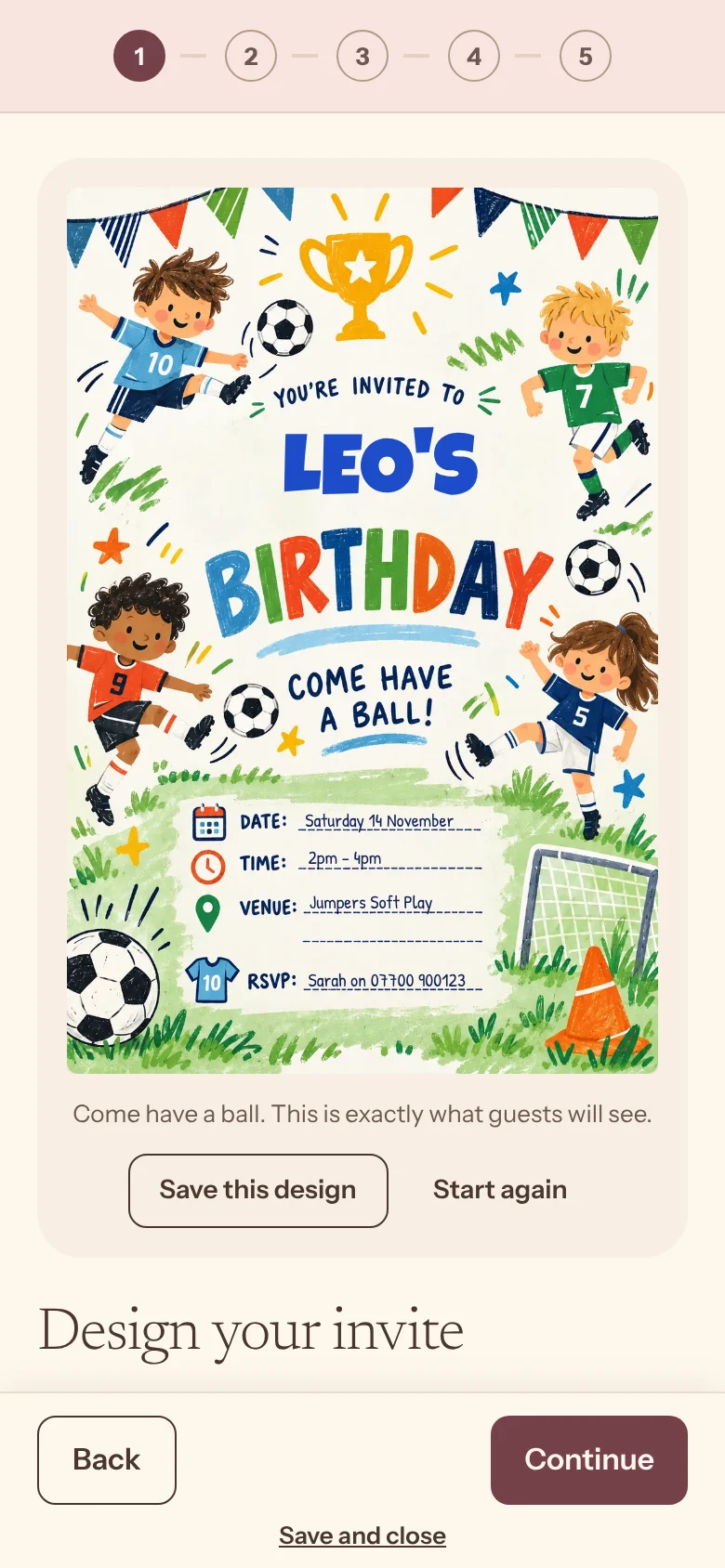
Personalise your invite
Add their name and age, pick a theme they’ll love, and write your message. Each guest gets an invite with their own name on it.
- Dinosaurs, football, unicorns and more
- Named invites
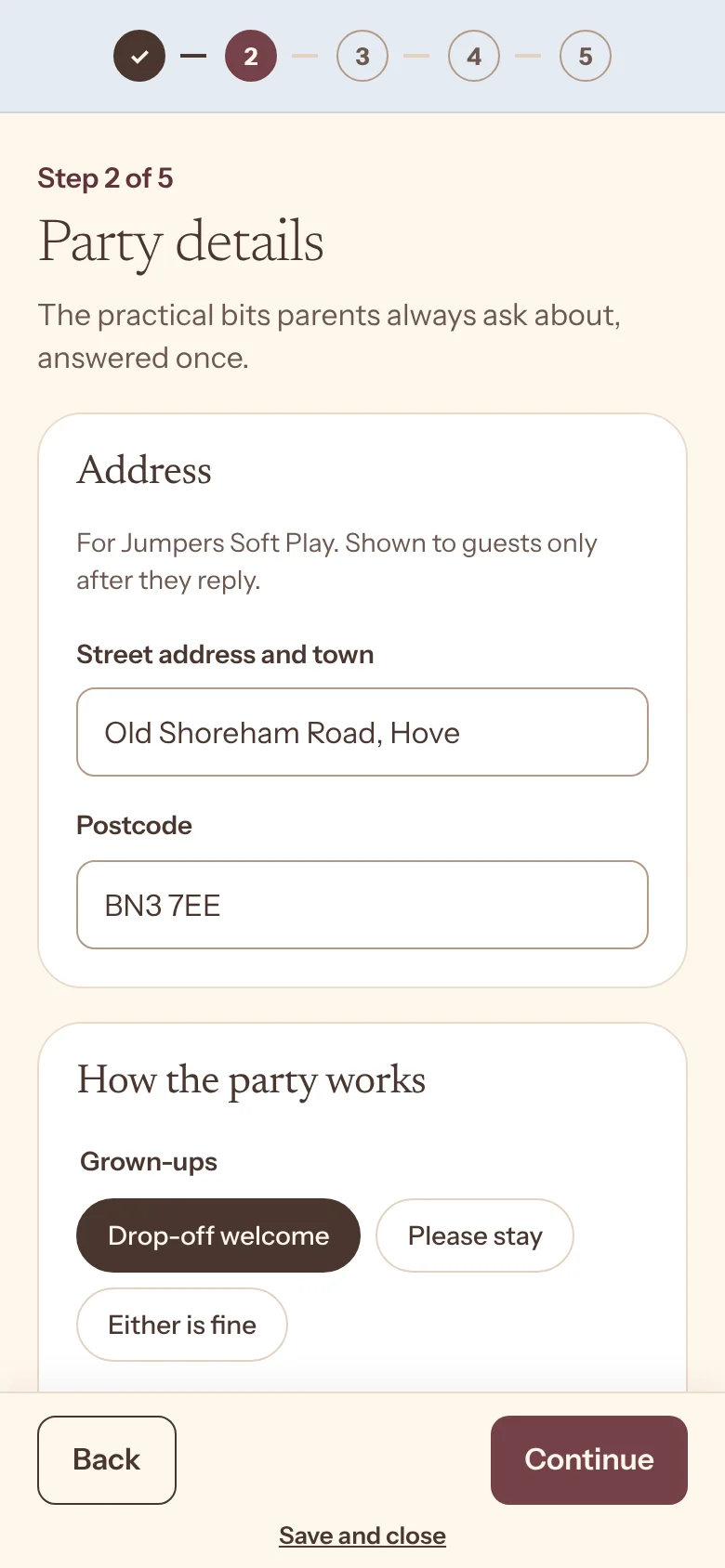
Create the party
Date, time and place. Then the things parents always ask: drop-off or stay, pick-up, food, allergies and what to bring.
- Address hidden until they reply
- Reply-by date
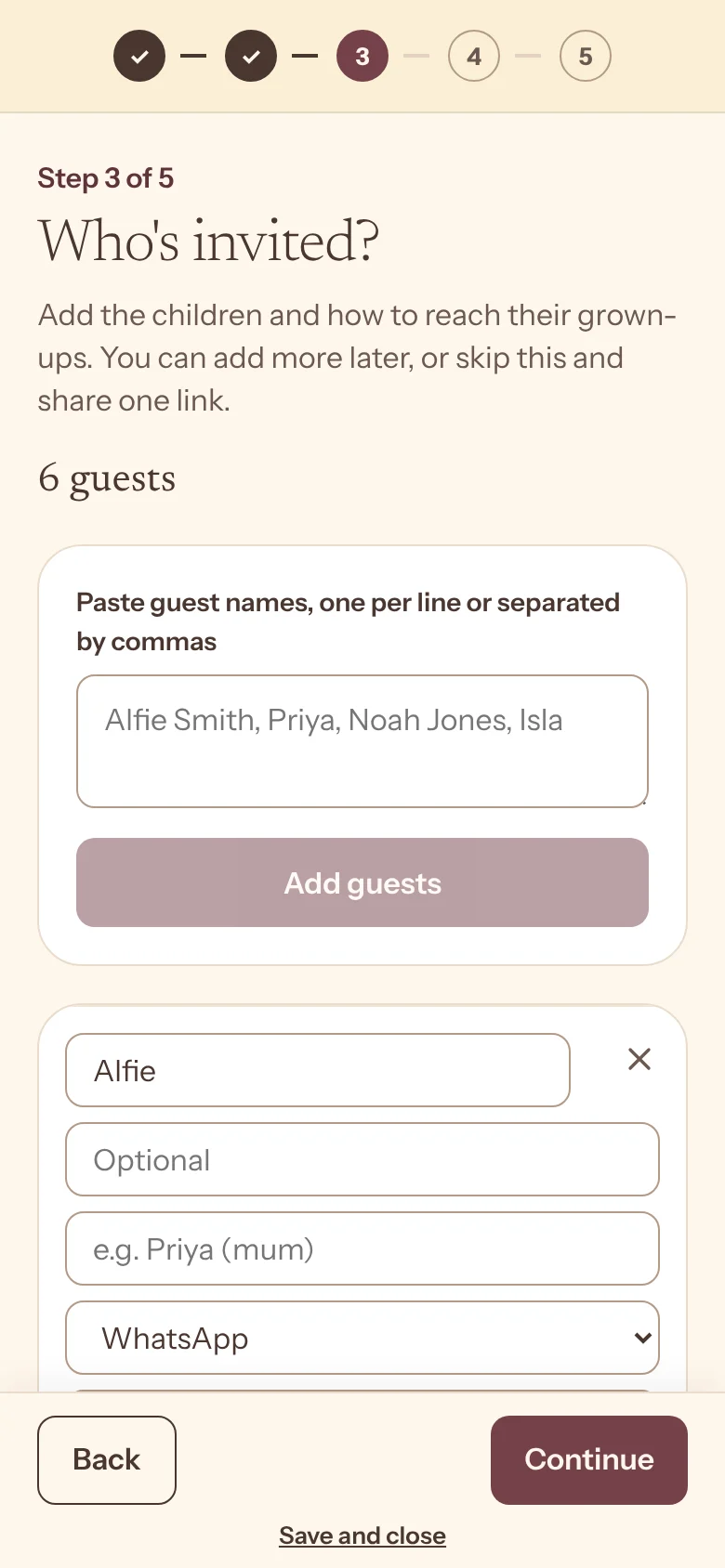
Add your guests
Paste names straight from the class list. Or skip this and share one link to the class group chat.
- Paste a list
- Free for up to 8 guests
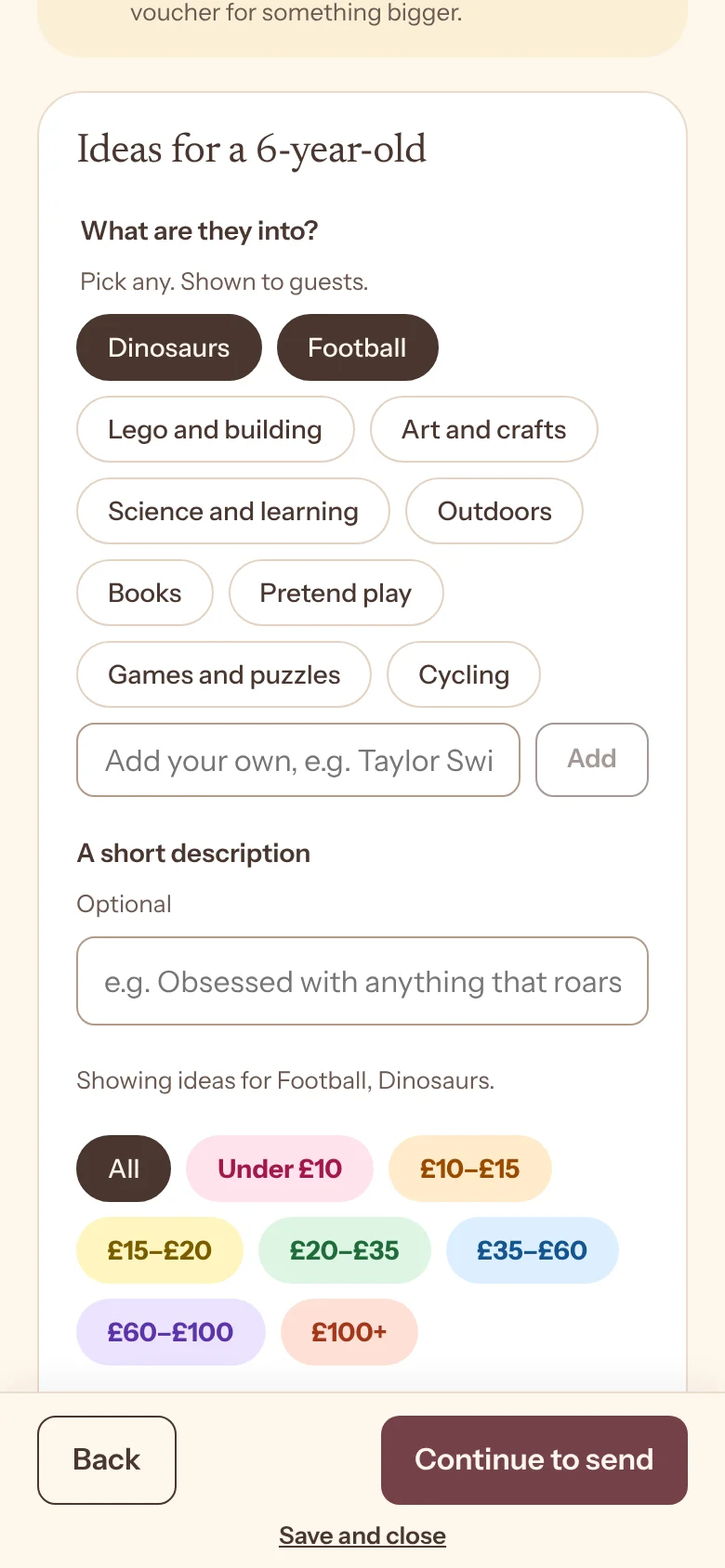
Presents, sorted
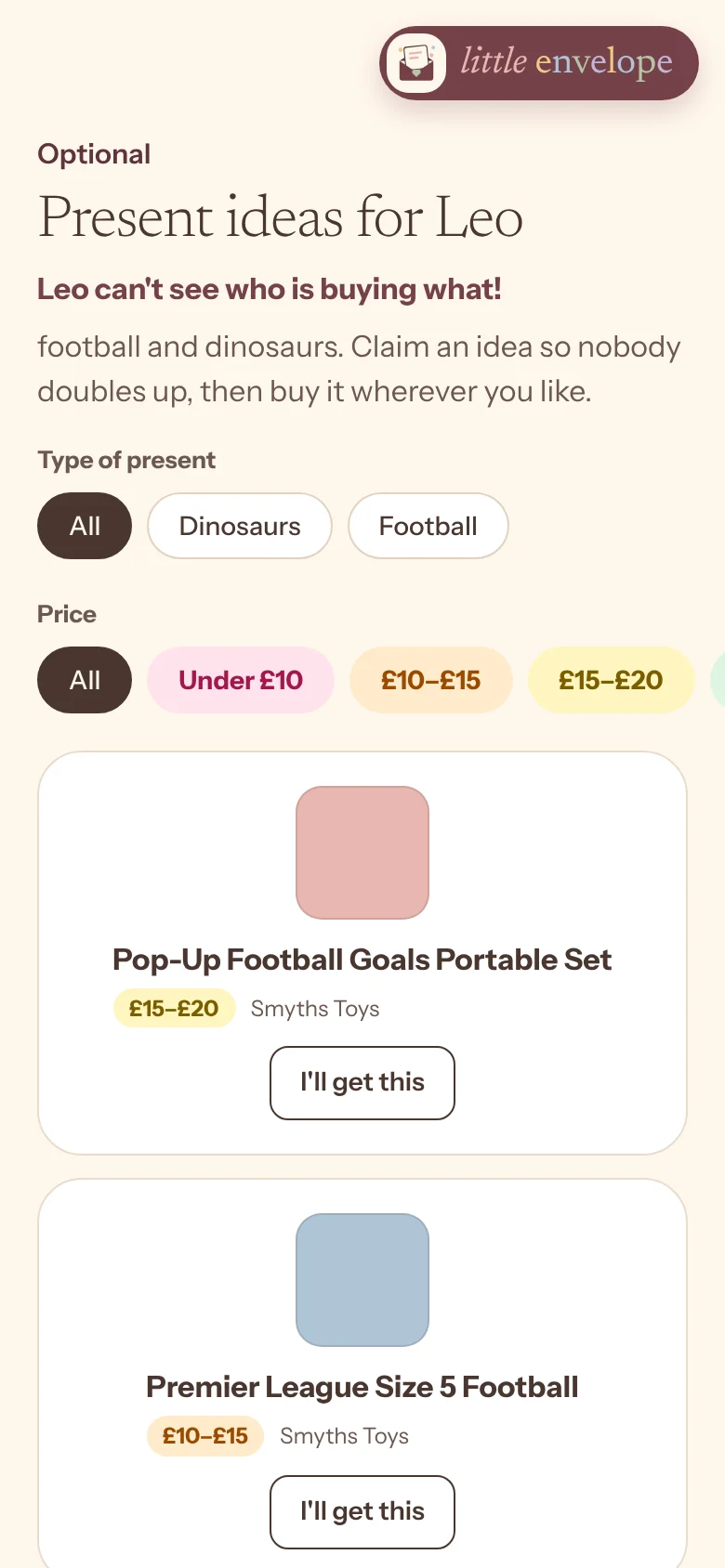
Pick ideas they’ll love from our curated list, filtered by age and price, or add your own. Guests claim one, so nothing doubles up.
- Curated ideas
- Add your own
- Hidden claims
- No doubles
One tap into the WhatsApp group
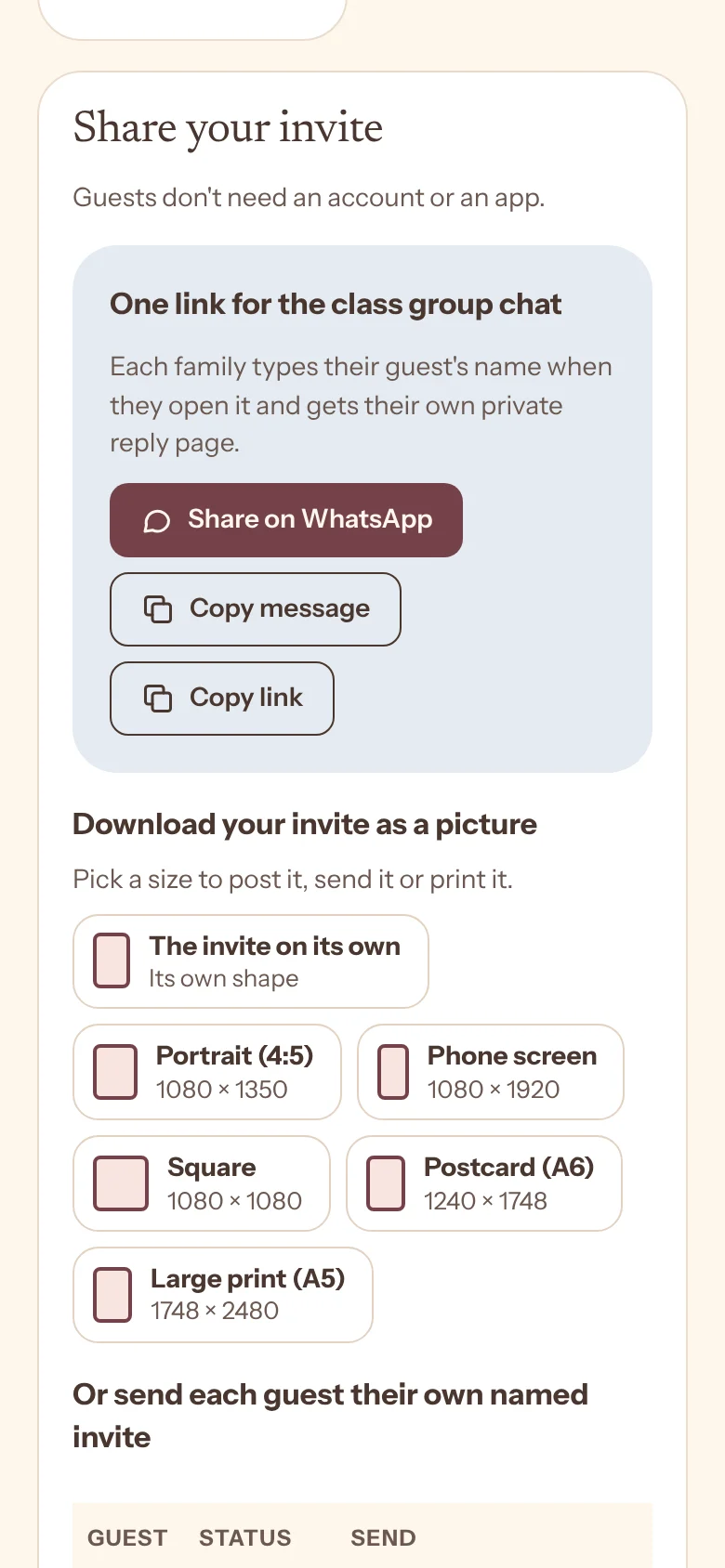
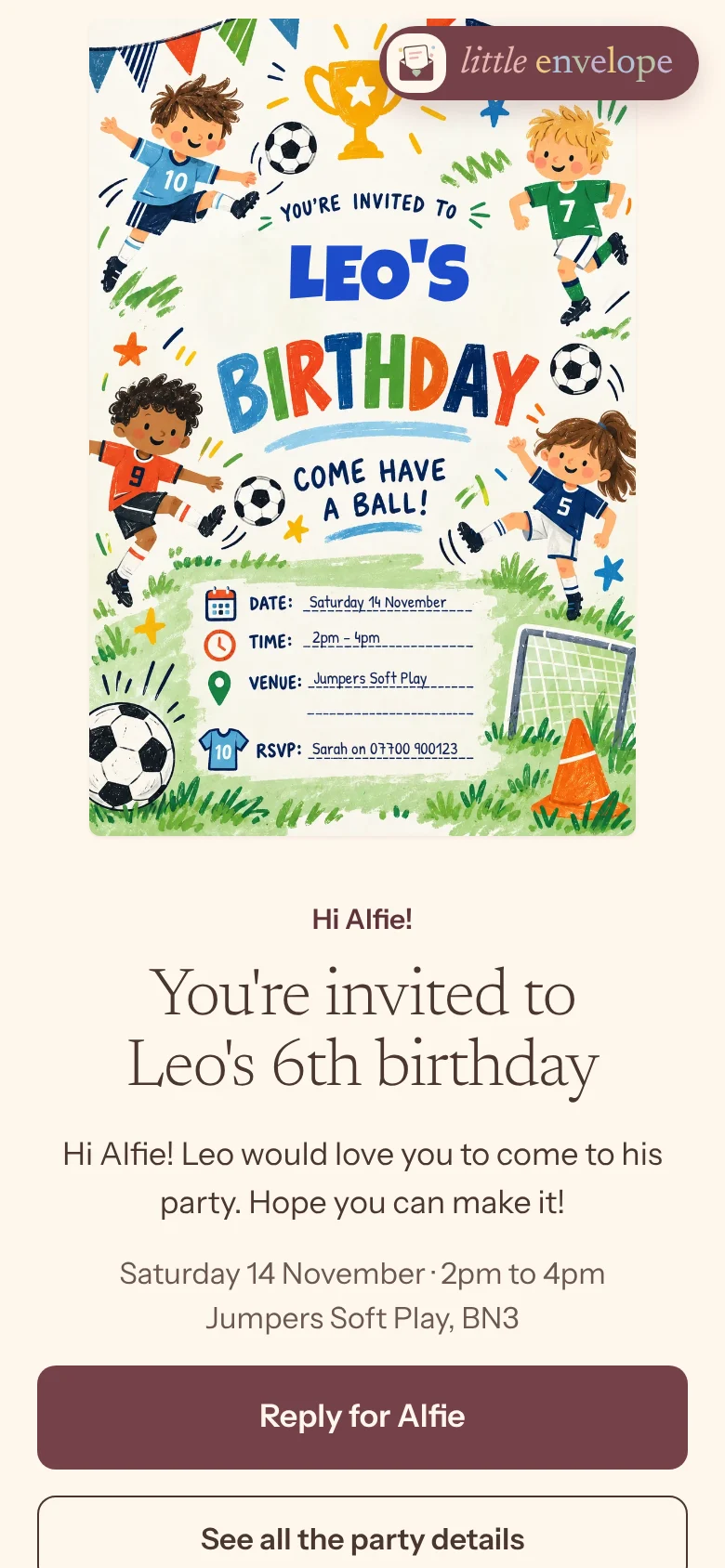
Tap Share on WhatsApp, pick the class group and press send. The invite shows up as a proper card, and every parent who taps it gets their own private reply page.
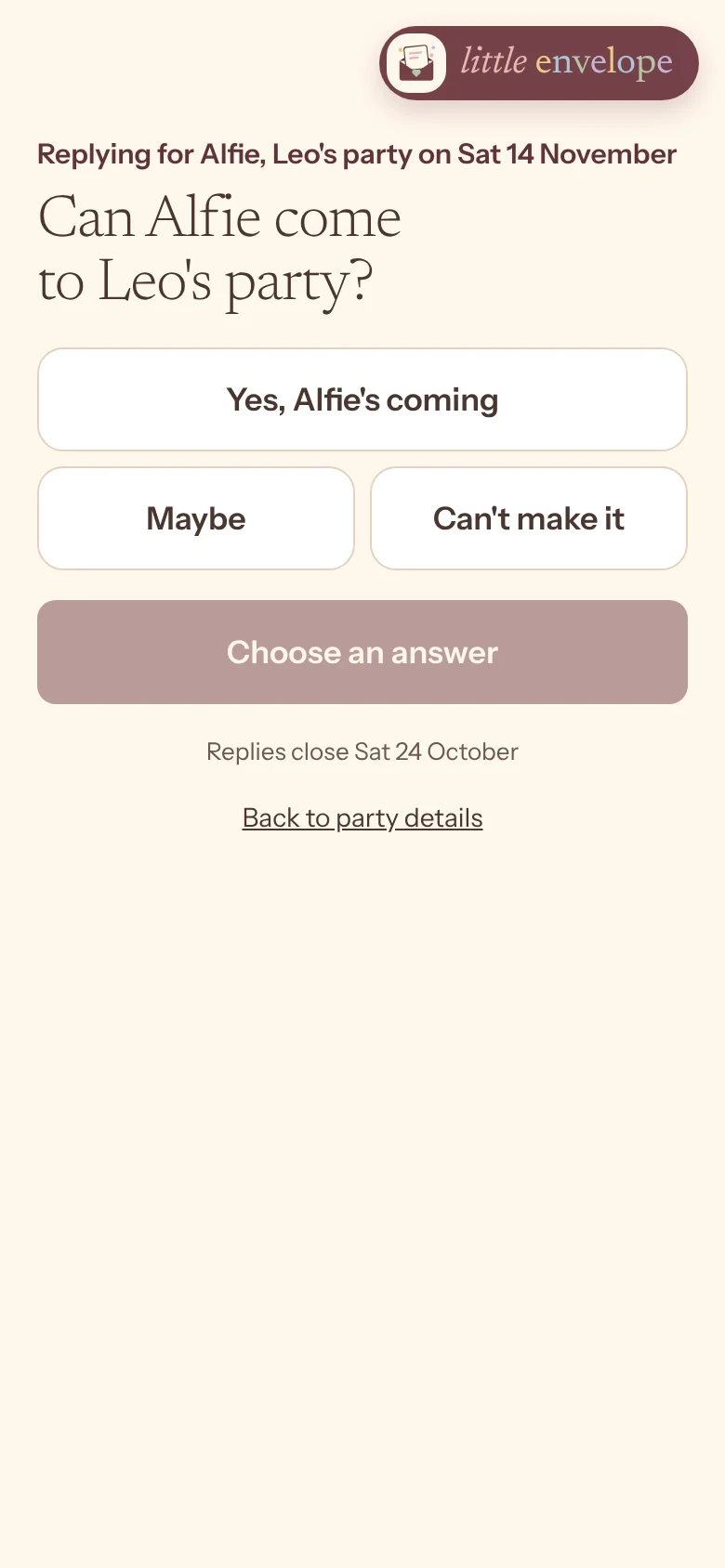
Done! Alfie is coming
Replied, thanks. Love that there's a present list!
Isla's in. Just claimed the dino kit too
One link for the group
Each family types their guest’s name and gets their own private page. Nobody sees anyone else’s reply.
Or one link per guest
Send each family their own named invite by WhatsApp, text or email.
Replies come to you
Your dashboard fills up as parents reply, with allergies and who’s staying.
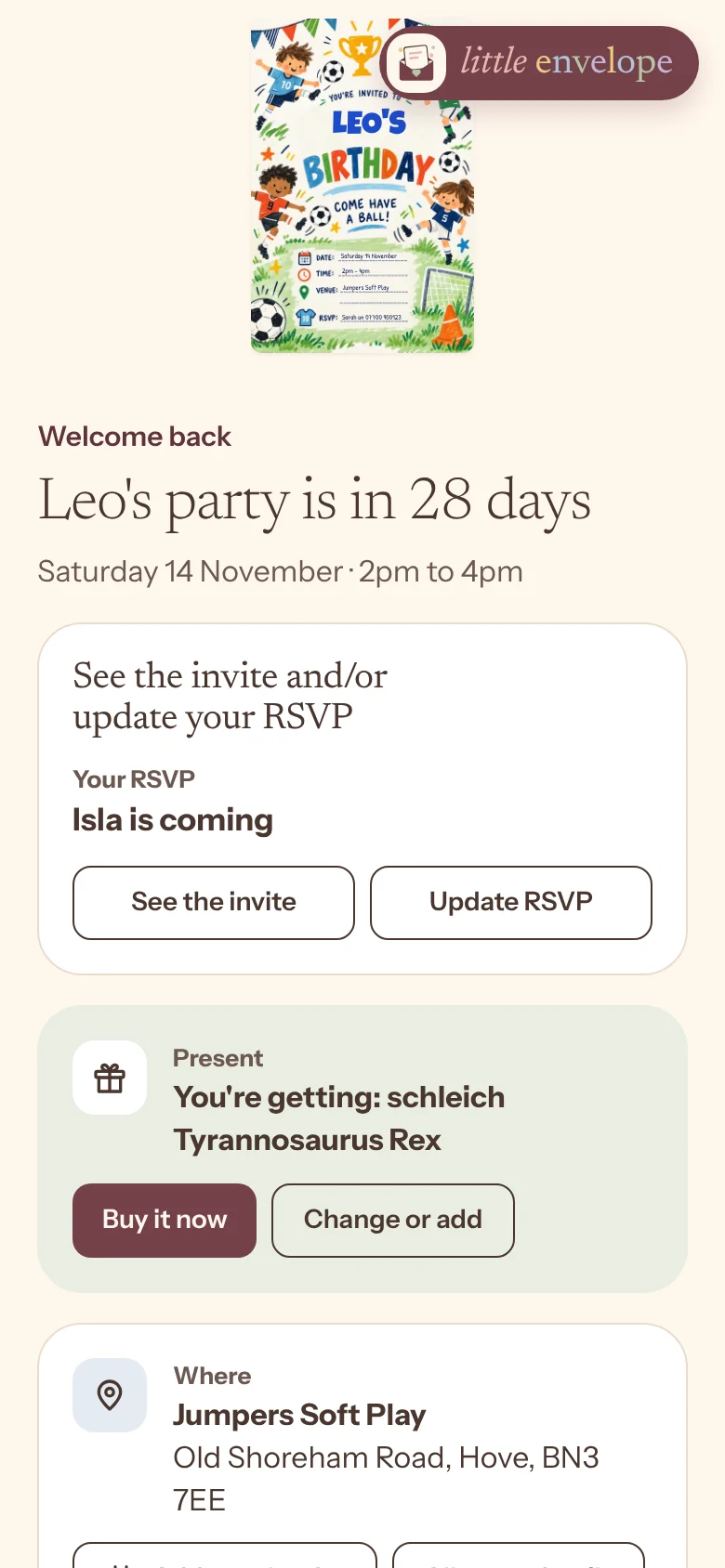
Guests reply in seconds, then come back for presents when they're ready
Parents reply in seconds. When they're ready to shop, the same link takes them back to their reply and the present list.
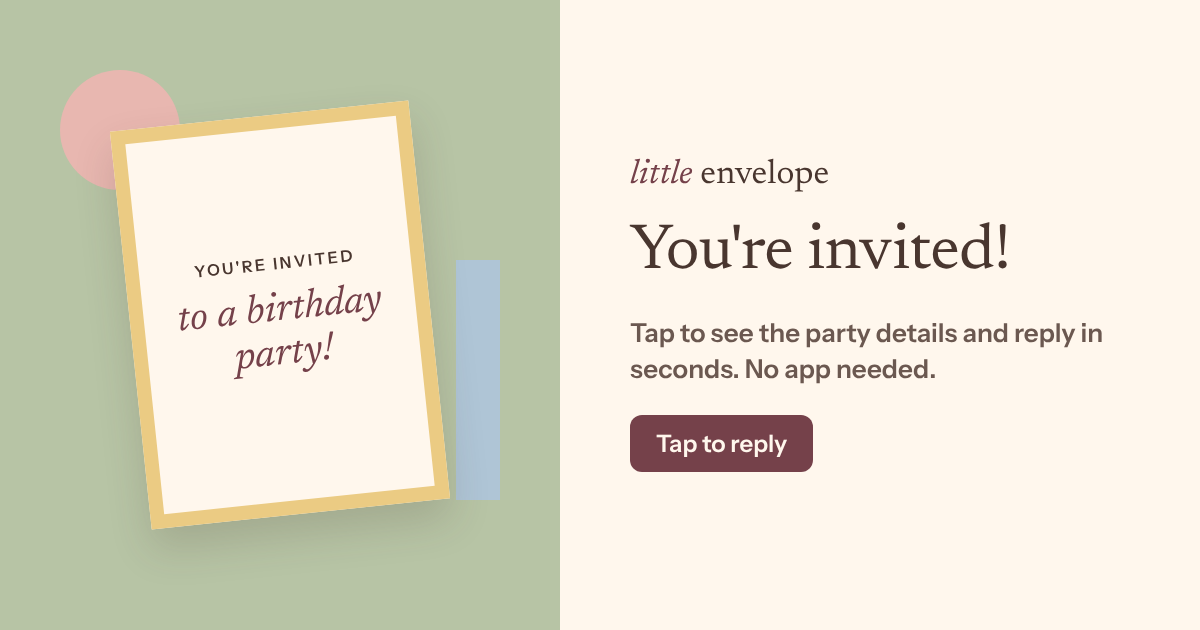
Thank-you notes, already drafted for you
Thank-you notes
Party PassDrafted for each guest, naming the present they gave or what they chipped in. Send by WhatsApp, text or email.
Page closes
The party page stops working 30 days after the party, and guest details are deleted.
Built to keep children's details safe
Parents use the service, not children. We collect only what the party needs.
Private links
Unguessable, and never listed in search engines.
Details shown on reply
The full address shows only once a guest replies.
Auto-delete
Pages and guest details go 30 days after the party.
No photos needed
No photos are ever required.
Never sold
We don’t sell or share guest details.
UK GDPR
Designed with the ICO Children’s Code in mind.
Your invites could be out tonight
Pick a design, add the details and share it to the group chat. About ten minutes, free for up to 8 guests, and no account needed until you send.

